Georgia

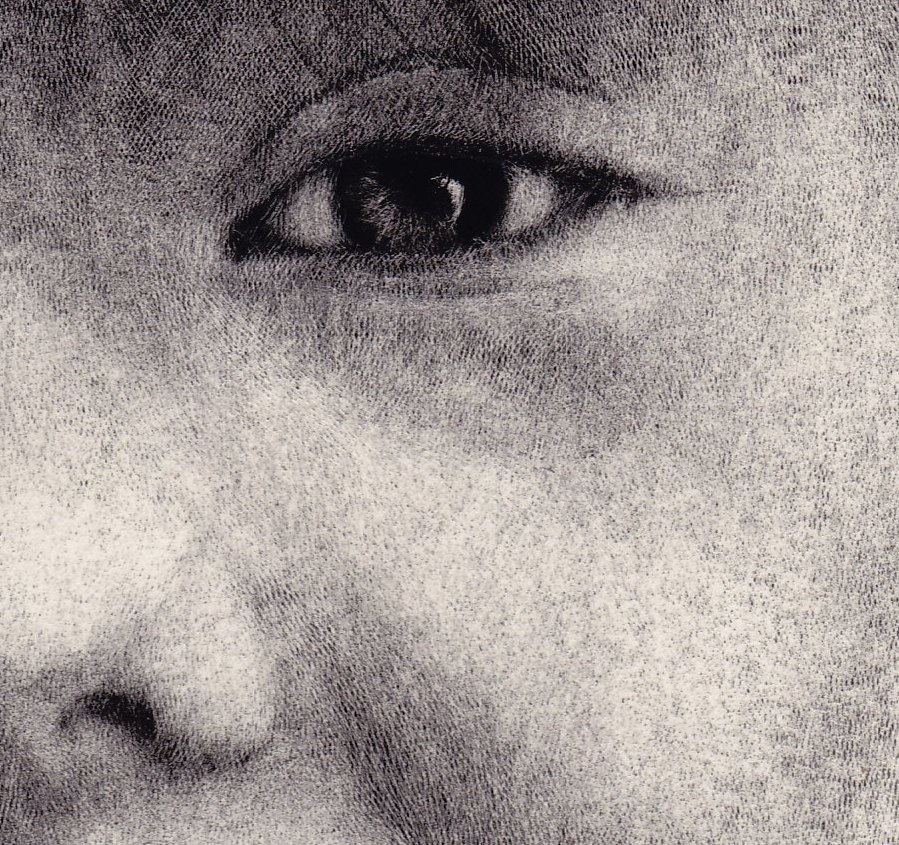
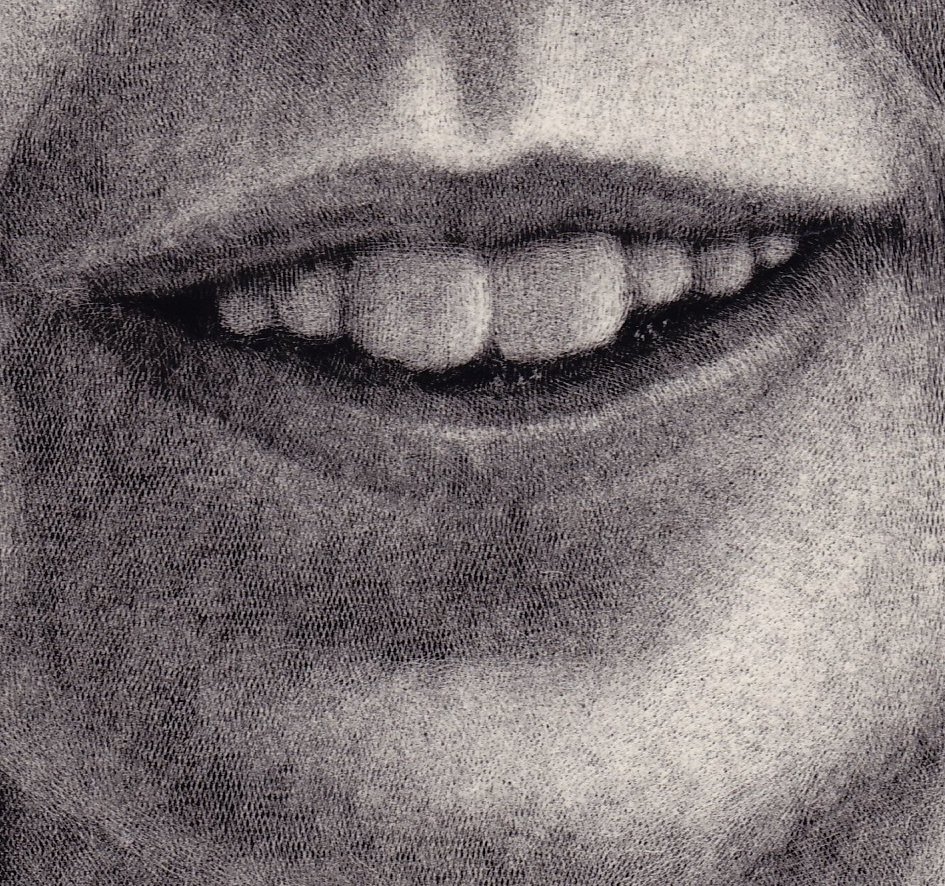
I have a lovely niece living in England called Georgia. I got to know her a bit on my recent trip there in July and decided to do a portrait of her. She’s a bright and bubbly character and a lot of fun and I’ve tried to convey that in my art. I know she received the portrait in time for her birthday the other day so I can now show it on here without spoiling her surprise.

I also have a couple of artist friends who have gone on to become tattoo artists. Well, I also have, though maybe not in the way you might think. This portrait is almost 100% completed with a tattoo needle. I used a seven stack, which is seven needles soldered together in a row and this creates a nice even texture, perfect for representing skin on the scratchboards I use. I’m including a couple of close-ups to show this texture. The hair was done with my trusty fibreglass brush.

If you click the images they will show up larger. The actual portrait is quite small, 8″ x 10″

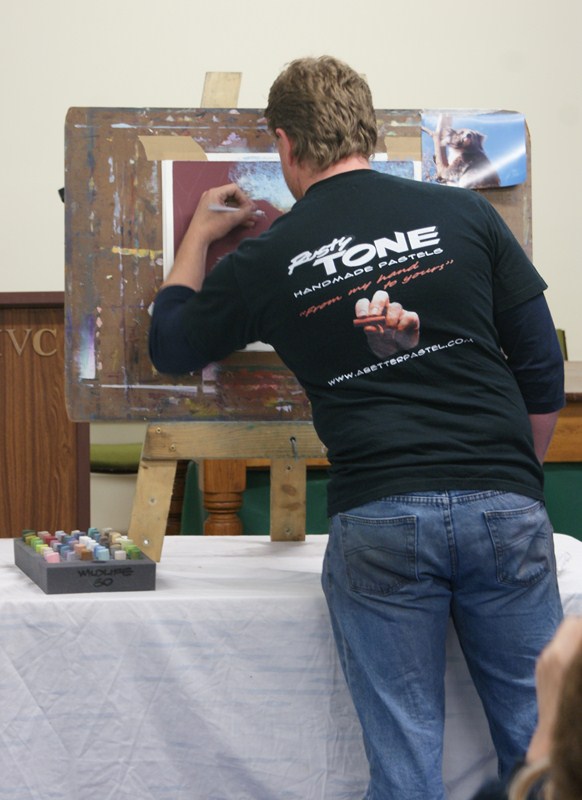
Great pastel demo by Leigh Rust

Back in 2008 I had an exhibition that was opened by that great primatologist, Dame of the British Empire and United Nations Messenger for Peace Dr Jane Goodall. It was a joint exhibition with 30 pieces of art, mostly chimpanzee paintings and scratchboards by myself and Leigh Rust. Well, I’ve just had the privilege of having Leigh’s company again. He was booked by the Pastel Society of South Australia for a workshop and a demo and he and his family stayed with my family for four days. Damn nice people!!

I went with him to Victor Harbor, a lovely seaside resort in South Australia, where he did a demo of a koala using his own brand of handmade pastels “Rustytones”. He had two hours to show off his skills, honed from years of work in the studio and in the field and we weren’t disappointed. I heard gasps of amazement as he effortlessly created a superb piece of art right before our eyes.

As you can see from the image below Leigh has developed a palette to hold his pastels in just like an oil painter would hold a palette laden with paint, very handy and innovative. He sells all sorts of colours but has also developed specific combinations like his ‘wildlife’ palette, taking much of the guesswork out for someone wanting to try pastels but not knowing where to start.

The range is absolutely gorgeous with his pastels loaded with pigment. And the great things about them, you don’t have to break them to get ‘usable’ pieces and you certainly don’t have to rip off annoying labels since he doesn’t use any.

Leigh employs a technique which I’ve used quite a bit when sketching out the initial layout but he takes it one step further. I often look for ‘guidelines’ such as imaginary lines let’s say from an ear to an eye or from the tip of an elbow to the nose, building up a network of lines which act as reference points to get your drawing accurate. However, he actually draws these lines on his reference photograph. It was great to see him explain the rhythm of the lines, which create planes, and this can clearly be seen by the results below.

Back to the pastel demo – Leigh can talk and he spent so much time explaining his philosophy that I thought he wasn’t going to finish. And then, in no time, he finished! It was a great sight to see.

And now this lovely piece is on my wall!

Tutorial – Stitching multiple images together easily

If your work is too big to scan and you don’t feel confident to photograph it and get a good result, what do you do? Well, obviously you can scan your art multiple times making certain each corner is scanned and any middle sections that the scanner didn’t reach. You now have multiple images so what do you do with these? I used to use “Gimp”, a free image manipulation program, and rotate the scans and stitch them together. Though I was quite quick at the process it was still fairly laborious and difficult to explain to anyone new to image manipulation. Microsoft Ice to the rescue.

Here’s an example of how to use this program.

As can be seen from the images below, I have simply pointed my camera out from my verandah and clicked away randomly. These are the images straight off my camera, shown in ‘Windows Explorer’

(Click on the images if you want to see them larger)

You will notice that, just for fun, I took one photograph upside down and two on their sides to show how well this program works.

Click this link.

You install the program from that link, then it asks you to install something else to make it work, and then you try to install it again and it asks you to install something else. Then you try for the third time and you finally have everything you need. This may be different on different computers but on my old thing, that’s what happened. Not to worry, no malicious stuff comes with it.

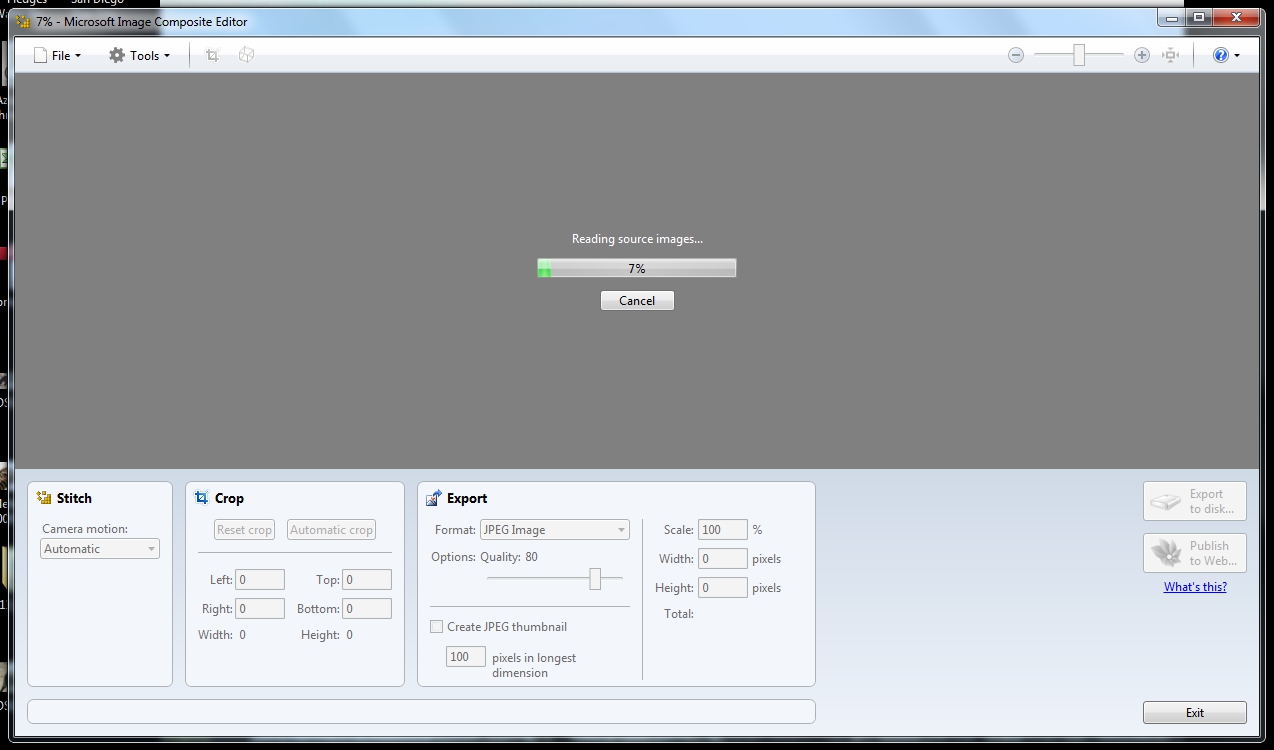
Open the program (“Microsoft Ice”), click “file/new panorama” and then navigate to your scans.

Highlight all your scans (in this case photographs) and hit ‘open’. As soon as you do this, it starts to solve the jigsaw puzzle. It shuffles everything into place for you, it rotates ones that are upside down or on their side (or more importantly it rotates by degree ones that are just a little off)

As you can see, my aiming was extremely random because the image below is not exactly well composed. I even missed a bit in the middle which would have really given the program a workout

Click “Export to Disk” and it will save a jpg of the image.

You can crop it in this program or in any of your other programs.

To make this more relevant than a silly panorama of my roof line, this tiger is too large for my scanner to do in one go so it is from four scans (each corner) and in just a few seconds, I had a perfectly stitched image. Thank you to the developers.

Tutorial – Photographing your artwork

This is a tutorial for those wishing to improve their skills in photographing their artwork.

We artists are often very good at the core process of creating art but sometimes we struggle with some of the peripheral jobs surrounding it. The first ones that spring to mind are marketing, paperwork and photographing our work so that we can catalogue it or enter it into galleries, shows and exhibitions. I have some tips for the last one.

Firstly, no matter what your level of development as an artist, get into the habit of photographing your work as you create it, thereby having lots of “Work In Progress” images. There are many reasons for this including being able to look back and chart your progress, putting your work on the internet in forums where you can get critiques, and even writing magazine articles showing how you create your art. I create separate folders on my computer for each series of WIP images named with the year it was created, the species and the title of the art (for example “2011 Zebras Lifeblood of Etosha”). This way, I can instantly find what I’m looking for.

Secondly, photographing your finished work is a fairly simple process as long as you follow some easy steps.

Set your work up (cleaned and free of blemishes) on an easel and your camera on a tripod to eliminate shake and blurring. I use the ‘self timer’ function so my hand doesn’t create any shake.

Have your camera pointed at your work at exactly 90 degrees with the camera positioned so it is aiming at the centre of the art. This will help eliminate any distortion of your image.
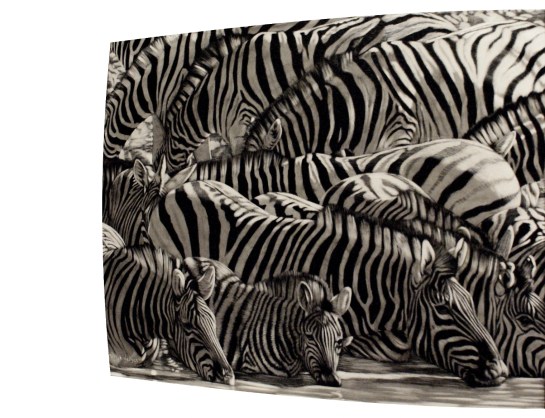

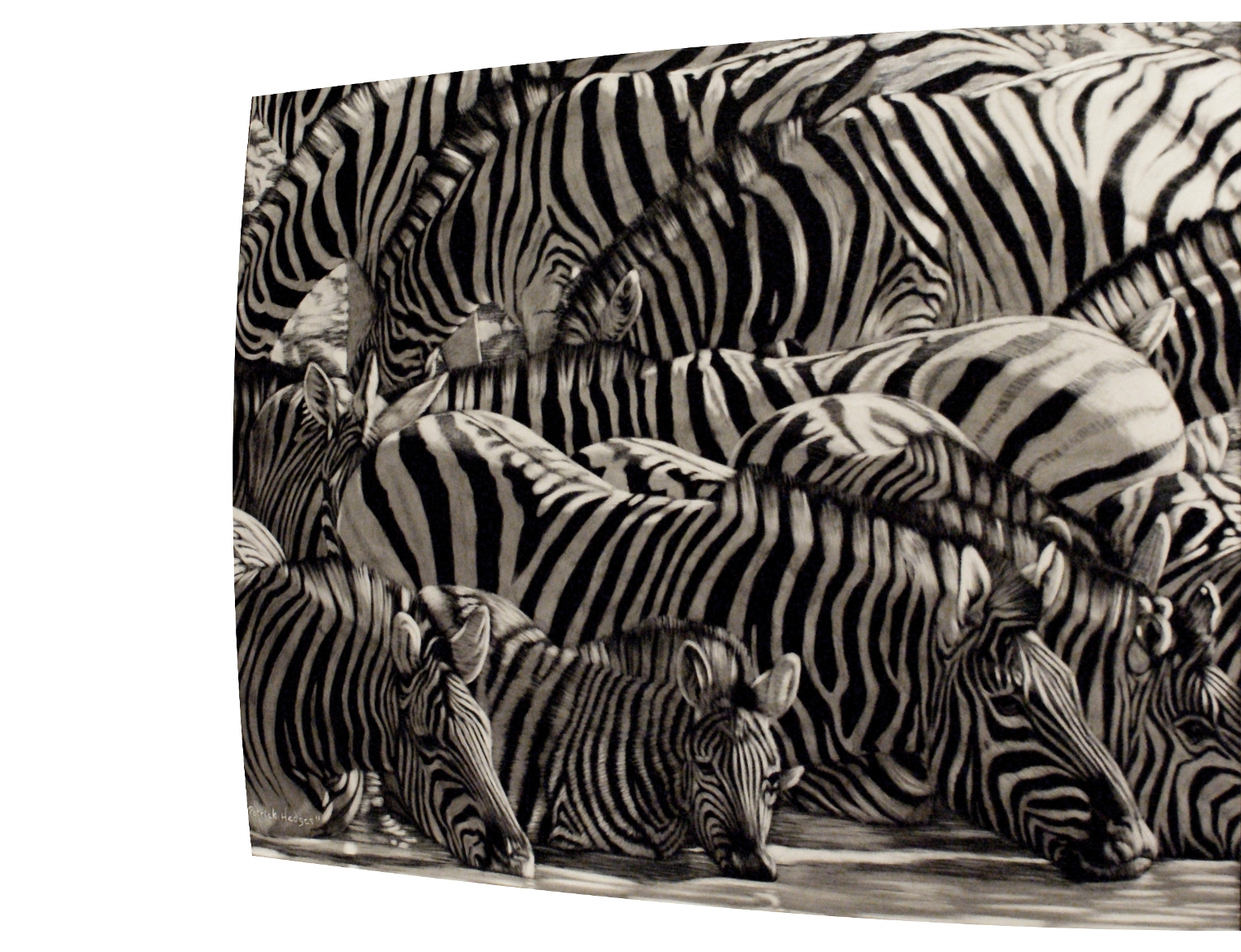
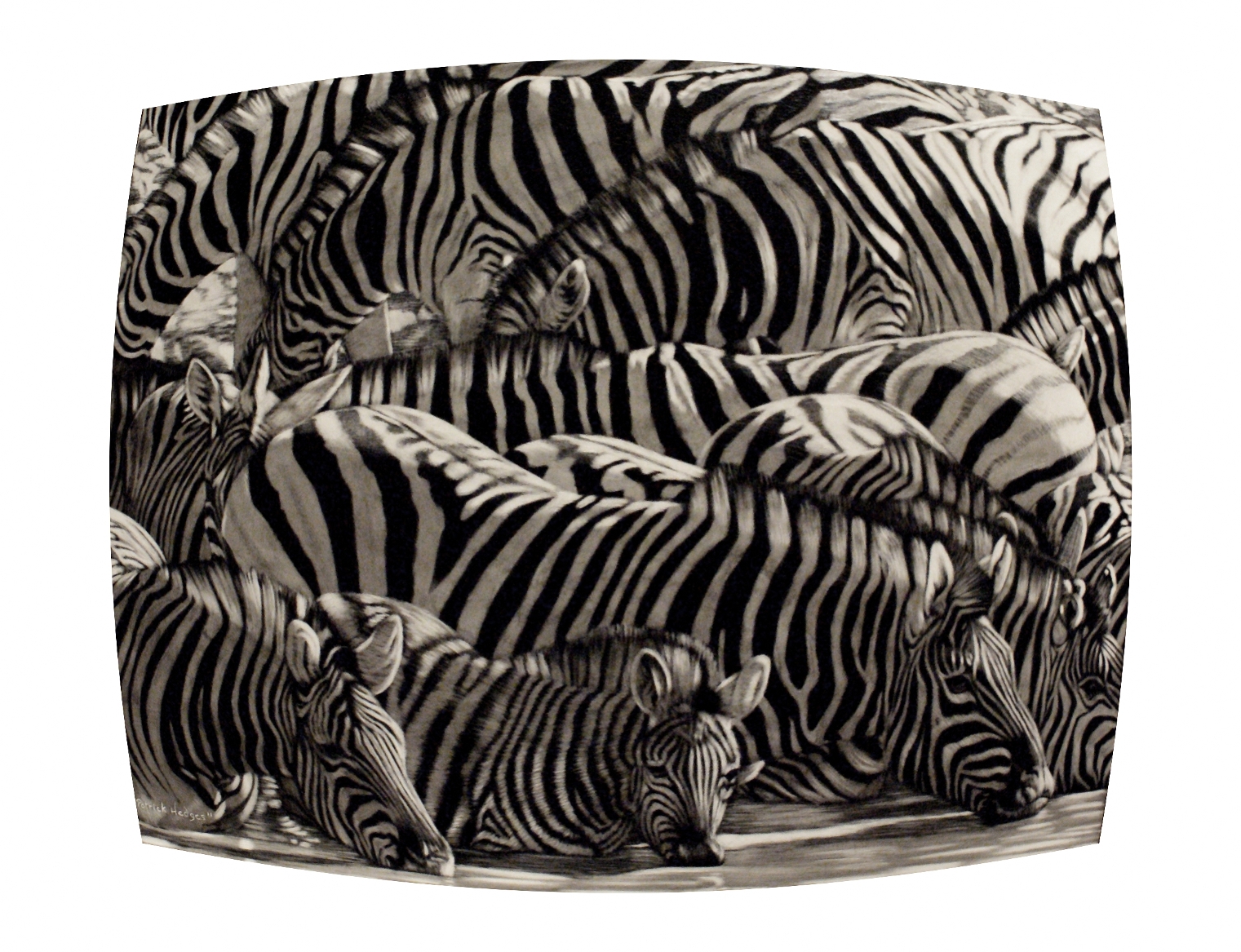
Have your camera positioned a little further away from your art and use the zoom slightly. This will further eliminate the distortion you get from wide angled lenses.

Frame your art well in the viewfinder. Get it nice and straight now even though this can be adjusted later on a computer.

Use natural lighting as much as possible. You will find your results will vary considerably depending on how you light your art. If you have the old tungsten lamps in your studio, your work will have a yellowish tinge when you photograph it. You can balance this out by adding fluorescent or the more modern mercury and halogen lights. However, nothing beats natural light for accurate representation of your work. Unless you are a very experienced photographer, do not use flash. Better to put your easel outside using natural, indirect light (not in the sunshine).

Make certain you shoot your work before you’ve framed it behind glass. If this is not possible, make certain there is as little glare or as few reflections as possible. You can further reduce distracting elements with a polarising filter.

Once you have your image on your camera and then loaded onto your computer, crop it so that there is no extraneous background showing. You can also rotate your work by degree to make certain it is absolutely straight.

Further editing on a computer
It is important to determine what you will be doing with the images of your finished artwork. If you are going to use them to produce prints, there is nothing wrong with trying to improve your work in an image editing program. This can be done by adjusting the contrast, brightness, colour balance and using various other tools that these programs offer.

However, if your goal is to enter your work into competitions, exhibitions and galleries, it is vital to resist the temptation to ‘improve’ your work by image editing. Your goal must absolutely be to represent your original artwork as accurately as possible. There is a very good reason for this. Let’s say you are entering your work into an exhibition. You may need to email your image to the organisers (many shows are like this nowadays) and the judges may then jury your work into the show. Once you’ve been accepted, the next step is to send your original piece to them. If this does not accurately match your digital image the judges may in fact reject your work.

Happy creating!
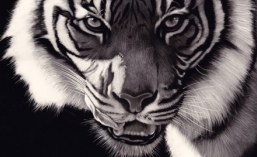
One Step Closer!

I’ve always wanted to do one of those large close up cat portraits that so many artists have done but I never had the right reference. I wanted to work from my own experiences and I finally got the perfect shot. This is Assiqua, a female Sumatran Tiger in our local (Adelaide) zoo and I caught her licking her lips as she looked at me. Note how the whiskers on her right are all pushed up by her tongue.

This is a 20″ x 16″ scratchboard and is created by using 80% fibreglass brush, 15% steel wool to get the backlit areas and 5% blade to get the whiskers and hairs at the edge. In reality there were no highlights in the eyes but I used artistic license to add more life. She is a magnificent animal and I really hoped to convey a sense of drama with her as if to say “You come one step closer and you’re mine”!